

Best 10 Beautiful Girl’s AI Prompts for Aesthetic Fashion Photography with Urban Textures
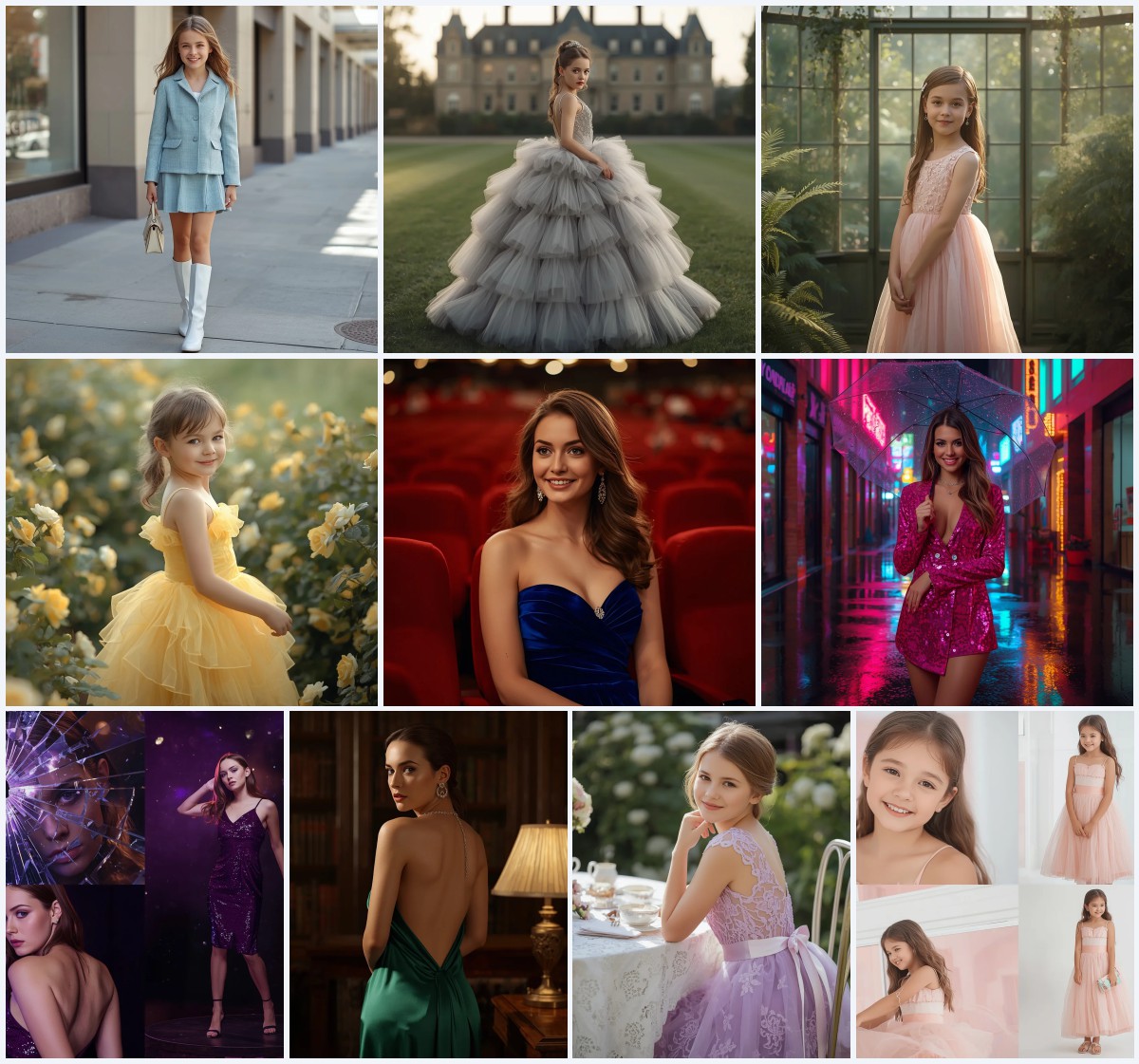
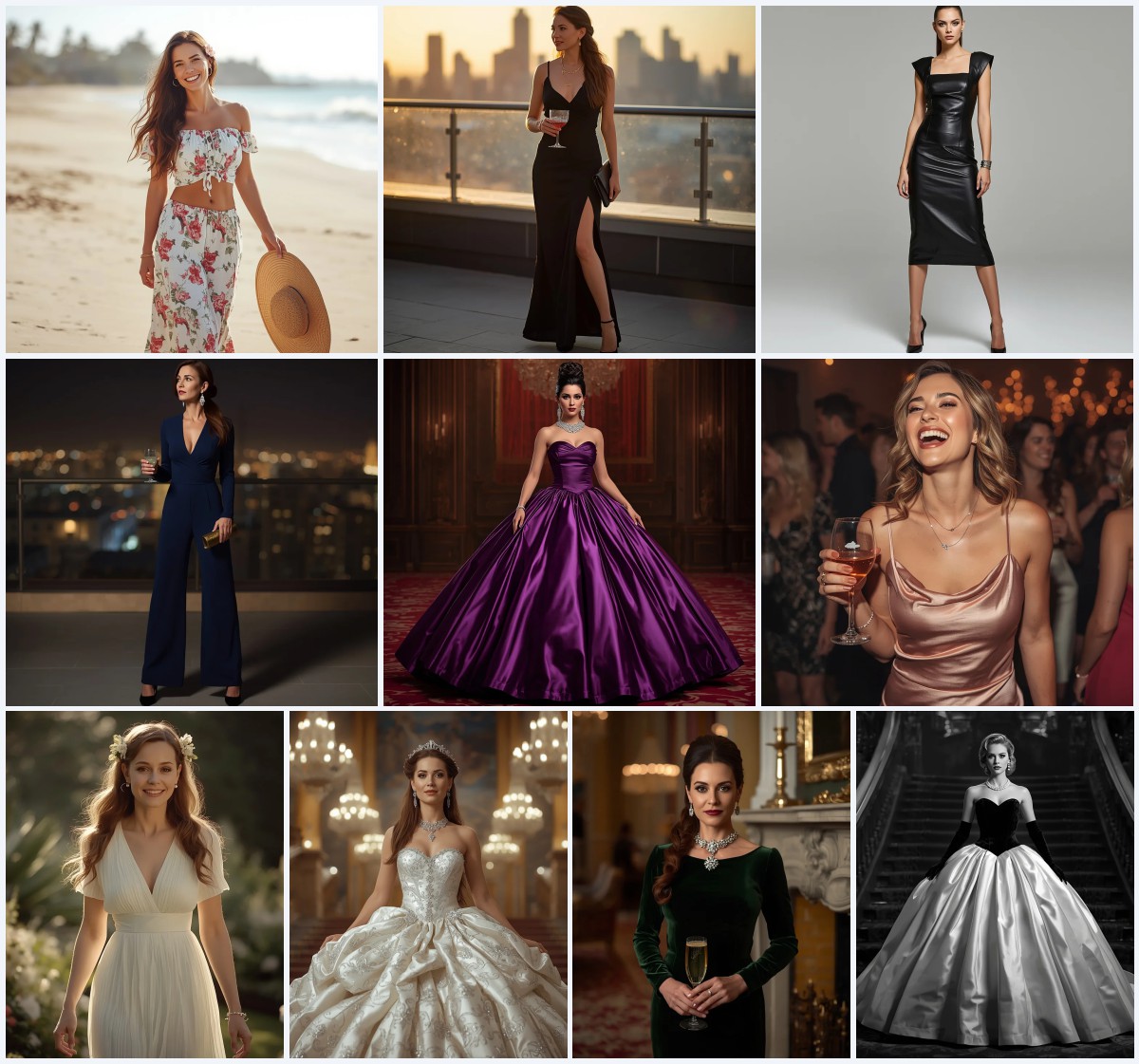
Aesthetic fashion photography thrives when urban grit meets high-end couture, and this collection of ten AI prompts delivers exactly that. Each scene pairs a beautiful woman with striking textures—platinum silk, ruby satin, emerald velvet, and golden beadwork—set against clean gradients or city backdrops that feel both editorial and alive.
From luxurious minimalist portraits to playful social-media grids, these prompts are built for creators who want polished, photorealistic images without spending hours on styling. Whether you prefer a single dramatic pose or a multi-panel collage with iced coffee and sunny streets, the details here help AI tools produce crisp, magazine-ready visuals every time.
What this aesthetic fashion collection is asking for
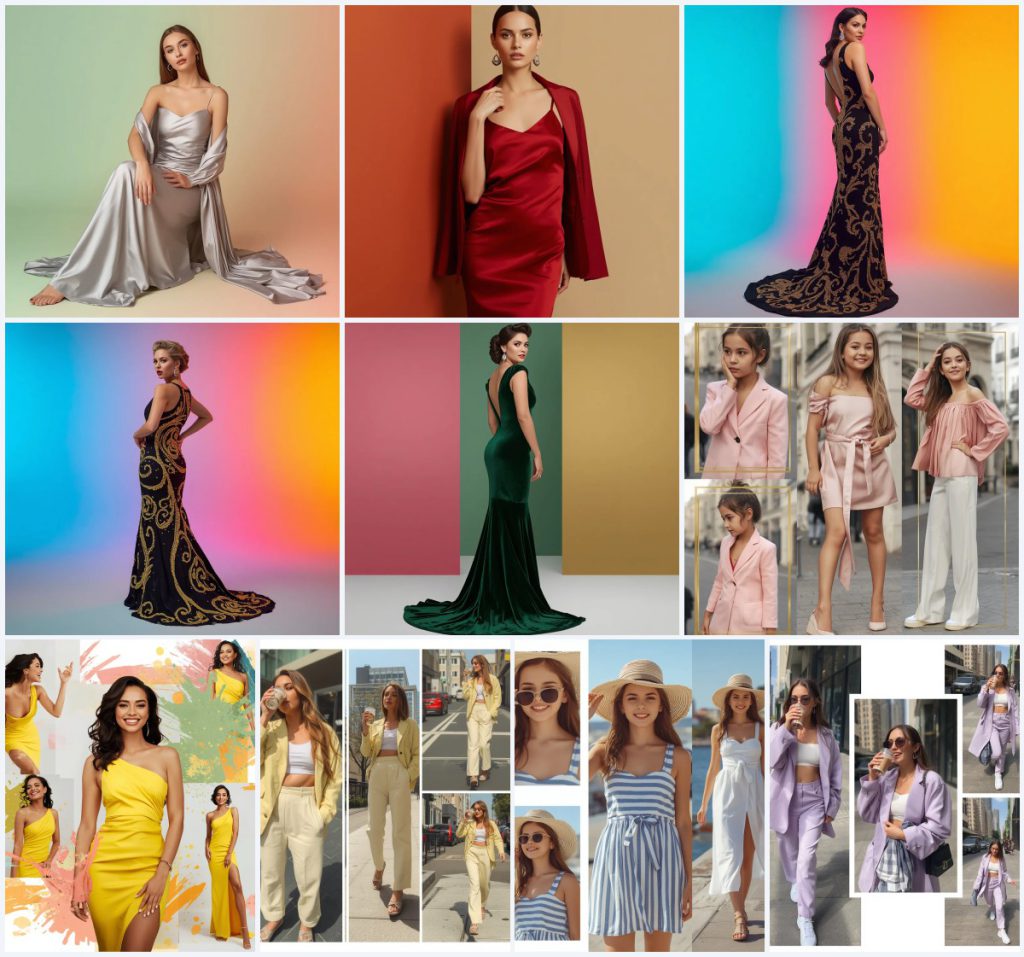
The set calls for high-resolution portraits and collages of beautiful women in western party wear, framed by urban textures and bold color palettes. Each prompt emphasizes luxurious fabrics, precise lighting, and clean backgrounds that let the model and the outfit take center stage.
- Platinum silk slip dress with a matching long duster coat
- Ruby red silk slip dress paired with a structured blazer
- Black floor-length gown covered in swirling golden beadwork
- Emerald green velvet gown with a plunging V-neckline and diamond jewelry
- Pastel pink blazer dress inside a Parisian street grid collage
- Bright yellow asymmetric cocktail dress with paint splatters and brush strokes
The visual world these prompts build
Several prompts place the subject in a pristine studio-like environment where the background is anything but boring. In one, "a clean pastel gradient of mint green and soft peach" wraps around a woman in platinum silk, while another uses "a smooth, vibrant tricolor gradient of bright cyan, neon magenta, and rich saffron yellow" to electrify a black beaded gown.
Collage-style prompts expand the scene into real urban spaces. One grid features a girl "drinking an iced coffee, walking down a sunny city street, and posing with a playful smile" against a Parisian backdrop, and another captures her "holding sunglasses, and walking along a sunny harbor" in a French Riviera sundress. These quoted clauses anchor the fashion in places that feel breezy, modern, and full of movement.
Why this collection works for AI fashion photography
These prompts succeed because they combine specific garment descriptions with controlled lighting and color, which AI models interpret with high consistency. The mix of single-subject editorials and multi-panel collages also gives users flexibility to create both polished portraits and dynamic social-media content from one set.
- Rich material keywords like "platinum silk," "hand-stitched golden beadwork," and "emerald green velvet" guide the AI to render lifelike fabric textures.
- Clean gradient or color-block backgrounds eliminate visual clutter, keeping the focus on the model's pose and expression.
- Collage prompts specify frame arrangements and real-world actions, such as walking with an iced coffee, which produce narrative-driven images ideal for lifestyle branding.
Three artistic styles baked into the prompts
Every scene in this collection leans on a distinct visual language, and three styles dominate without ever pulling the image away from its fashion core. The cues are already woven into the prompt text, so you do not need to add external style modifiers.
- Luxurious minimalist editorial: The platinum silk slip dress prompt uses a pastel gradient and Rembrandt lighting to create a clean, high-end look with zero distractions.
- High-fashion dramatic portrait: Gowns with golden beadwork or emerald velvet rely on cinematic lighting and bold tricolor backdrops for a powerful, red-carpet feel.
- Modern geometric collage: Prompts like the Parisian grid or paint-splatter layout split the image into panels, blending street photography with studio poses under bright, natural light.
How to bring these fashion prompts to life
Generating a flawless image starts with treating the prompt as a precise recipe and feeding it into your AI tool without alteration. Follow these steps to get results that match the luxurious, textured look described in each scene.
- Copy the full prompt text. Select the exact prompt from the collection and paste it into your AI image generator's input field, keeping all fabric, lighting, and background details intact.
- Upload a reference photo if needed. For face consistency across multiple images, provide a clear portrait of a model with even lighting and a neutral expression before generating.
- Set the aspect ratio and resolution. Use a vertical 3:4 or 2:3 ratio for single portraits, and a square 1:1 ratio for collage grids, then select the highest available upscaling option.
- Generate the base image. Run the prompt and review the initial output for overall composition, checking that the dress color and background gradient match the description.
- Inspect hands, face, and the main garment. Zoom in to verify that fingers are not fused, facial features are symmetrical, and silk, velvet, or beadwork textures appear realistic and clean.
- Regenerate or refine with inpainting. If the AI blurs the golden beadwork or distorts the blazer lapels, mask those areas and run a targeted regeneration with the same prompt segment.
Choosing the right reference photo for these prompts
A strong reference photo helps the AI lock onto consistent facial features and skin texture, especially when you plan to generate multiple images from this collection. The reference does not need to wear the outfit; it only needs to provide a clear base for the model's likeness.
- Use a front-facing or three-quarter portrait with soft, diffused lighting that mimics the Rembrandt or cinematic lighting mentioned in the prompts.
- Ensure the reference shows a neutral or confident expression, since poses like looking over the shoulder or holding sunglasses will be added by the AI.
- Avoid busy backgrounds in the reference photo—a plain wall or seamless backdrop lets the AI focus on facial structure without carrying over unwanted elements.
AI tools suited for these fashion prompts
Different image generators handle fabric textures, skin rendering, and collage layouts with varying degrees of realism. The table below matches four popular tools to the strengths they bring to this specific collection.
| Tool | Access | Typical realism | Useful here for |
|---|---|---|---|
| ChatGPT | DALL·E integration via Plus or API | High for textures, moderate for faces | Rendering the platinum silk slip dress drape and pastel gradient backgrounds cleanly |
| Google Gemini | Available through Google AI Studio or API | Moderate to high, improving rapidly | Generating the Parisian street grid collage with distinct frame borders and natural poses |
| Leonardo AI | Web platform with free and paid tiers | Very high with fine-tuned models | Producing photorealistic heavy textures on the black gown with intricate golden beadwork |
| Midjourney | Discord-based subscription | Exceptional for cinematic lighting and fabric | Capturing the emerald green velvet gown's structured shoulders and dramatic train detail |
Three tips for better fabric and texture results
Getting silk, velvet, and beadwork to look real requires more than just naming the material. Small adjustments to how you handle the prompt and the output can make a visible difference in the final image.
- When generating the platinum silk slip dress, add a negative prompt for "wrinkles" or "creasing" if the AI over-texturizes the smooth drape of the fabric.
- For the black gown with golden beadwork, increase the prompt weight on "intricate hand-stitched golden beadwork" to prevent the AI from simplifying the swirling patterns into flat gold lines.
- In collage prompts featuring the pastel pink blazer dress, use an image editor afterward to sharpen the gold borders between frames if the AI blends them into the Parisian street background.
Common issues and quick fixes
Even well-written prompts can produce errors. The table below lists four frequent failures these fashion prompts encounter and the exact changes that resolve them.
| Issue | What to change |
|---|---|
| The platinum silk slip dress appears as satin with harsh shine | Add "matte silk with subtle sheen" to the prompt and reduce lighting intensity keywords like "Rembrandt lighting" slightly |
| Golden beadwork on the black gown looks like printed yellow dots | Increase the weight of "heavy, intricate hand-stitched golden beadwork" and add "visible thread texture" to the description |
| Collage frames merge into one continuous image without clear borders | Reinforce the prompt with "clean gold borders separating each frame" and use a square aspect ratio to match grid layouts |
| The emerald green velvet gown loses its structured shoulders and appears shapeless | Emphasize "structured shoulders, plunging V-neckline" and lower the influence of "dramatic floor-length train" if it distorts the silhouette |
Frequently Asked Questions
Can I mix elements from different prompts, like using the platinum silk duster coat with the Parisian street background?
Yes, you can combine clauses, but do it carefully. For example, take the garment description from the platinum silk prompt and the background from the Parisian grid prompt, then test the output. The AI may need extra guidance on lighting so the studio-style silk does not clash with the outdoor street light.
Why does the collage with the pastel yellow oversized suit sometimes show distorted hands holding the iced coffee?
Hands gripping small objects like an iced coffee cup are a known weak point for AI. Add "clearly defined fingers holding a transparent iced coffee cup" to the prompt, and use inpainting on the hand area if the first generation fails.
Do I need a reference photo for every prompt in this collection?
Not necessarily. If you want the same model across all images, upload one reference photo before each generation. If you prefer varied faces, skip the reference and let the AI create a new model each time based on the prompt alone.
Conclusion
This collection of ten aesthetic fashion prompts gives you a complete toolkit for generating editorial-quality images that blend luxurious fabrics with urban textures. By following the scene descriptions, style cues, and troubleshooting tips, you can produce consistent, photorealistic results whether you are working on a single portrait or a multi-panel collage. The key is to trust the details already embedded in each prompt and make small, targeted adjustments only when the AI misinterprets a specific material or pose.
Once your image is generated, open it in your preferred photo editor and fine-tune the colors or sharpen the fabric textures—you have every right to refine the picture until it matches your creative vision.